
How Do You Engineer Modular Retail Systems for Multi-Site Rollouts?
Last Updated: October 26, 2026
Quick Summary
Engineering modular retail systems multi-site requires standardizing every component for reuse, designing prototypes before manufacturing, and coordinating fabrication, shipping, and installation across locations. Systems that succeed are built for assembly without custom work at each site, ship efficiently, and maintain brand consistency everywhere.
Prototype one fully functional model under controlled conditions before manufacturing units for rollout to test assembly sequences and catch missing hardware.
Standardize all connection points, shelf heights, and panel dimensions across units so field teams assemble faster and replacement parts are interchangeable.
Create a master rollout schedule covering fabrication, shipping, installation dates, and staffing, with buffer time for delays and unexpected venue conditions.
Build a jurisdiction matrix before design to identify universal compliance requirements versus outliers, then engineer specific components to satisfy each market.
Assign a location manager per market to coordinate venue contacts, manage install crews, and handle on-site issues to prevent miscommunication delays.
Table of Contents
What Makes Modular Retail Systems Work Across Multiple Locations
Engineering modular retail systems multi-site rollouts requires rethinking how you design, build, and deploy retail environments. The core principle is simple: every component must be standardized, reusable, and easy to assemble in different locations without custom fabrication at each site.
The systems that succeed are designed for reuse from day one, ship efficiently, assemble quickly, and hold brand consistency everywhere.
Most retail teams build custom displays per location. That breaks at scale: freight costs multiply, install timelines extend, and assembly mistakes compound. Modular systems standardize the experience while allowing flexibility in layout and branding.
Designing Retail Display Prototyping Before You Scale
Before you manufacture 20 units for rollout, prototype your system with one fully functional model. This prototype becomes your installation blueprint, your shipping specification, and your quality control standard.
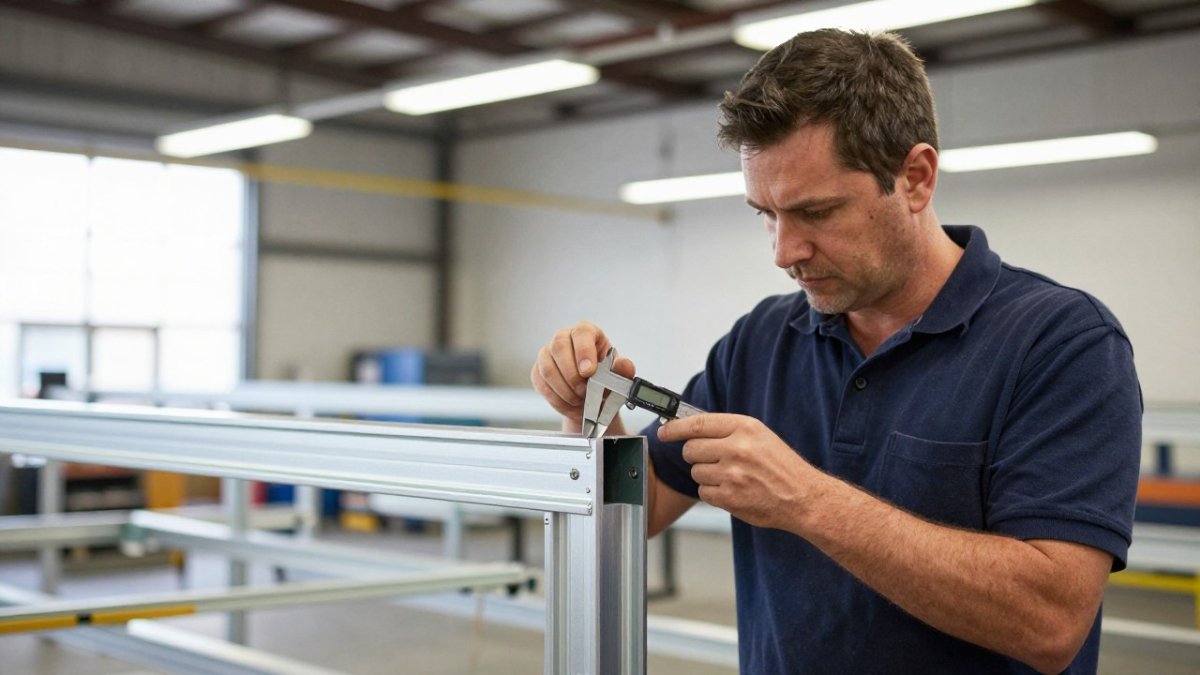
Build it in your facility under controlled conditions to test assembly sequences, catch missing hardware, and time the install. Teams that skip this regret it during their first on-site assembly.
Document everything: photos of each assembly step, measurements at every connection point, assembly time, required tools. That becomes the installation guide for field teams at every location.
Test durability by moving, disassembling, and reassembling it repeatedly. A prototype that fails after three installations won't survive a 12-location rollout.
Involve your installation team in prototyping. Field crews catch problems engineers miss and spot steps that confuse people under pressure.
Engineering Modular Retail Display Systems for Reuse
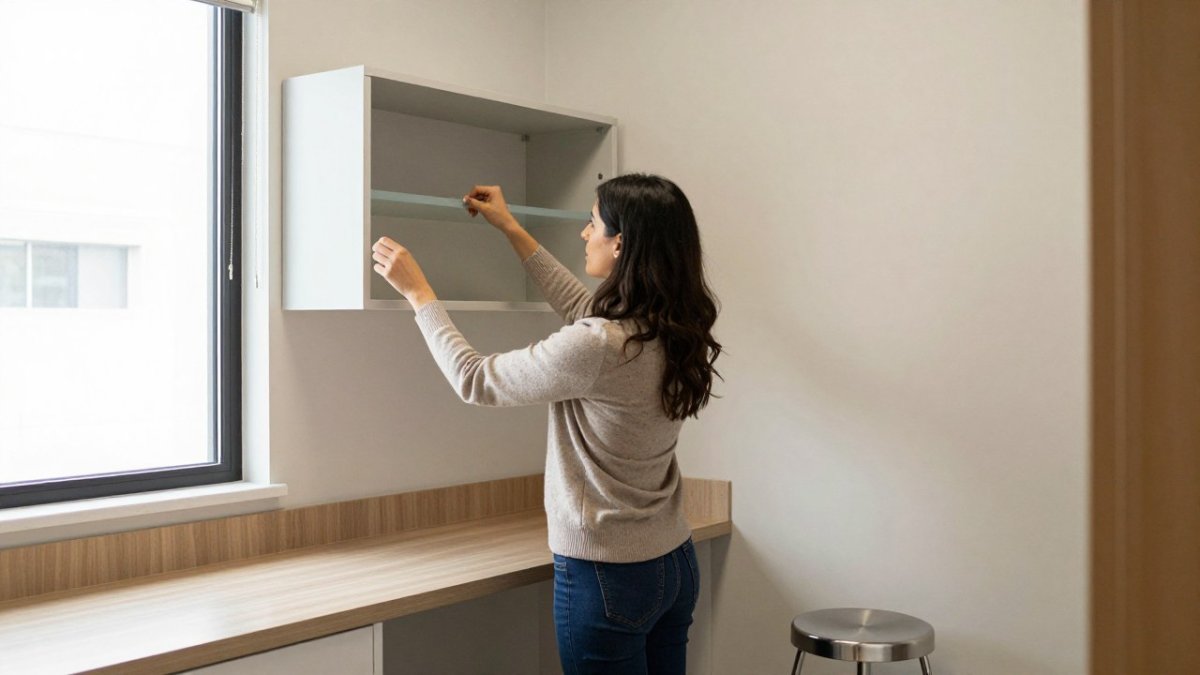
A modular retail systems multi-site design philosophy prioritizes reuse above all else. Every component serves multiple purposes across locations. Structural elements, graphics, lighting, and shelving all follow standardized specifications.
Standardized Components and Structural Integrity
Standardized components are the foundation of any scalable modular retail system. Every connection point, every shelf height, every panel dimension follows the same specification across all units.
Standardization solves several problems at once: field teams assemble faster, replacement parts are interchangeable, and damage means swapping a standard component instead of custom fabrication.
Structural integrity matters more in modular systems than custom builds. A custom display is used once; a modular system gets assembled and disassembled repeatedly, so connections must hold through dozens of cycles.

Material Selection for Multi-Site Durability
Material selection determines whether your system survives repeated use or fails after a few installations. Materials must withstand shipping impacts, assembly stress, and constant movement between locations.
Multi-Location Retail Rollout Planning and Coordination
Rolling out modular retail systems requires coordination across design, fabrication, logistics, and installation teams, starting months before the first installation.
Breakthrough Productions
Create a master rollout schedule covering fabrication timelines, shipping windows, installation dates, and staffing. It becomes the source of truth across teams and locations.
Assign a location manager per market to coordinate venue contacts, manage install crews, and handle on-site issues. Centralized coordination prevents the miscommunication that delays installations.
Build buffer time into your schedule. Shipping delays, unexpected venue conditions, and staffing changes happen; a schedule with no buffer collapses at the first problem.
Test your installation process at the first location. Even with perfect prototyping, on-site conditions surprise you. Document what you learn and update procedures before the next market.
Learn how scaling retail pop-up shop activations works across multiple locations, including modular display planning and multi-location coordination strategies.
Retail Display Shipping and Logistics Across Markets
Designing efficient crates is the easy part. The hard part is coordinating freight, drayage, and install crews across several regions at once, where a missed delivery in one market cascades into the next. This is where rollouts quietly blow their budgets.
Freight Consolidation and Regional Hubs
Plan hubs around market clusters, not where your fabricator happens to be. A rollout hitting the Northeast, Southeast, and West Coast probably wants three hubs, not one. The trade-off is storage cost and an extra handling touch, so run the math against your lane rates first.
Sequencing Deliveries Against the Install Calendar
A rollout schedule is a chain, not a list. If Chicago installs Monday and Dallas Wednesday, the Dallas kit has to leave the hub before the Chicago crew finishes. Build the delivery schedule backward from each install date and add a delivery window, not a day. Venues rarely accept freight on the exact hour you want, and dock scheduling at malls, airports, and convention centers is its own constraint.
Crating, Drayage, and the Last 500 Feet
Include a packing diagram inside each crate lid. At teardown, the diagram is what gets the kit back to shipping weight and dimensions for the next market. Oversized or overweight returns cost more on the next leg, and that cost compounds across every stop.
Reverse Logistics and Kit Recovery
Learn how scaling retail pop-up shop activations works across multiple locations, including modular display planning and multi-location coordination strategies.
Managing Zoning, Building Codes, and Compliance at Scale
Compliance is where standardized systems meet unstandardized rules. A modular kit approved in one market can be rejected in the next because the fire marshal reads a flame-spread requirement differently, the venue has its own amendments, or the local building department wants a stamped drawing for anything with power. The engineering answer isn't to design for the strictest code you can imagine. It's to build a compliance process that scales with the rollout.
Build a Jurisdiction Matrix Before You Design
The matrix tells you which requirements are universal and which are outliers. Design to the universal set, then engineer specific components, materials, or documentation to satisfy the outliers without changing the whole system.
Fire Code, Materials, and Flame Spread
Engineer for this up front. Specify materials with documented flame-spread ratings and keep the documentation with the kit. Use graphics substrates and finishes that carry the ratings your target markets require, and avoid mixing rated and unrated materials in a way that makes the whole assembly fail inspection. If a market requires a specific rating, the component that meets it should be the standard component, not a special order.
Electrical, Permitting, and Local Contractors
Structural requirements follow the same pattern. Most modular retail displays don't trigger structural review, but tall units, hanging elements, and anything with significant load may require stamped drawings or permits in some jurisdictions. Know which markets require it before fabrication, because retrofitting engineering documentation after the fact is slow and expensive.
ADA and Accessibility Across Configurations
Engineer accessibility into the module, not the layout. Standardize shelf heights, counter heights, and reach zones so that any reasonable configuration stays compliant. Then document the approved configurations and treat deviations as engineering changes, not field decisions.
Venue Rules and the Local Layer
Collect venue rules for every market in the matrix and fold them into the install plan. The venue contact is the source of truth, and getting their requirements in writing early prevents the most common install-day surprises.
Document, Verify, Repeat
Discover how modular retail displays with tool-free connections cut install time, including design steps that speed setup and enable reuse.
Reducing Installation Time and Operational Downtime
Discover how modular retail displays with tool-free connections cut install time, including design steps that speed setup and enable reuse.
Start Your Multi-Site Retail Rollout
Engineering modular retail systems for multi-site rollouts is complex. The design phase requires thinking through fabrication, shipping, assembly, durability, and compliance all at once.
See how we engineered a modular, single-crate activation toolkit for a major national brand, designed for multi-city rollout and built in six weeks.
Have a rendering? A budget? A concept you're not sure how to build? Let's talk about what you're trying to accomplish. We'll determine the smartest way to design, build, ship, and install it.
Design Phase | Fabrication | Shipping & Logistics | Installation |
Prototype testing | CNC precision components | Standardized crating | Quick-connect assembly |
Compliance review | Industrial-grade hardware | Pallet-optimized packaging | 2-4 hour setup |
Documentation | Material durability testing | Drayage coordination | Field team training |
Installation procedures | Quality control | Multi-location scheduling | Compliance verification |
Best for: National retail expansions, multi-location pop-ups, touring brand activations, franchise rollouts, sponsorship activations across multiple venues
Skip if: You're building a single custom display for one location, or your budget doesn't support the upfront engineering investment
Scaling retail experiences across multiple locations requires engineering that accounts for shipping, installation, durability, and compliance from day one. Modular systems that work at one location often fail at the second because they weren't designed for reuse. The brands that scale successfully build prototypes, document processes, and test every assumption before rolling out to multiple markets.
The right approach depends on your specific goals, markets, and timeline. What works for a 12-location retail expansion differs from what works for a touring sponsorship activation.
Frequently Asked Questions
What makes a retail display system truly modular?
A modular retail display system uses standardized, interchangeable components that connect and disconnect without tools or specialized skills. True modularity means each location receives the same core pieces but can configure them differently based on store layout, floor space, or merchandise type. The system should allow rapid assembly, disassembly, and reconfiguration without compromising structural integrity or requiring fabrication on-site.
How do you design retail fixtures for multiple locations with different store layouts?
Start with a flexible base framework that adapts to different dimensions. Use adjustable shelving, removable panels, and connector systems that work in multiple configurations. Document each location's exact dimensions, ceiling height, electrical outlet placement, and any structural obstacles before design. Build in 10-15% flexibility into your modular components so they work in stores ranging from 800 to 2,500 square feet without requiring custom fabrication at each site.
What should retail fixture prototypes test before a full rollout?
Prototypes must validate assembly time (target under 4 hours per location for most retail displays), repeated assembly cycles (test at least 5 full assemble-disassemble cycles to catch wear points), shipping damage resistance (drop test, vibration test, and real freight conditions), connector durability (stress-test all connection points), and on-site installation with actual store staff (not fabrication experts). Prototyping also reveals hidden costs in labor, freight, and storage that impact your rollout budget.
How do you prevent installation delays and damage across a multi-site rollout?
Create detailed installation guides with photos, not just text. Ship each location a complete kit with every component labeled and organized. Assign one trained installer or hire local installation teams you've vetted beforehand. Build in a 2-3 day buffer between scheduled installations to handle unexpected issues. Use GPS tracking on freight and confirm delivery 48 hours before installation. Include spare connector kits and common replacement parts at each location so minor damage doesn't stop the installation.

Comments